 b-movie poster
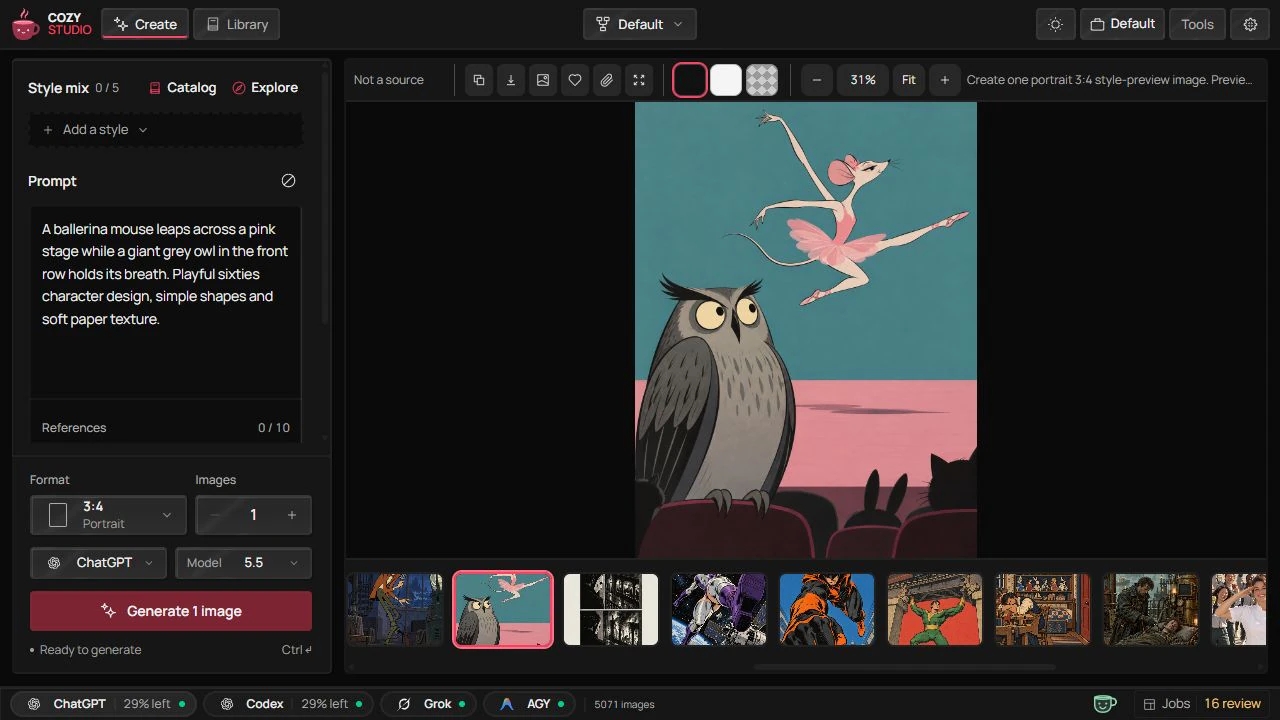
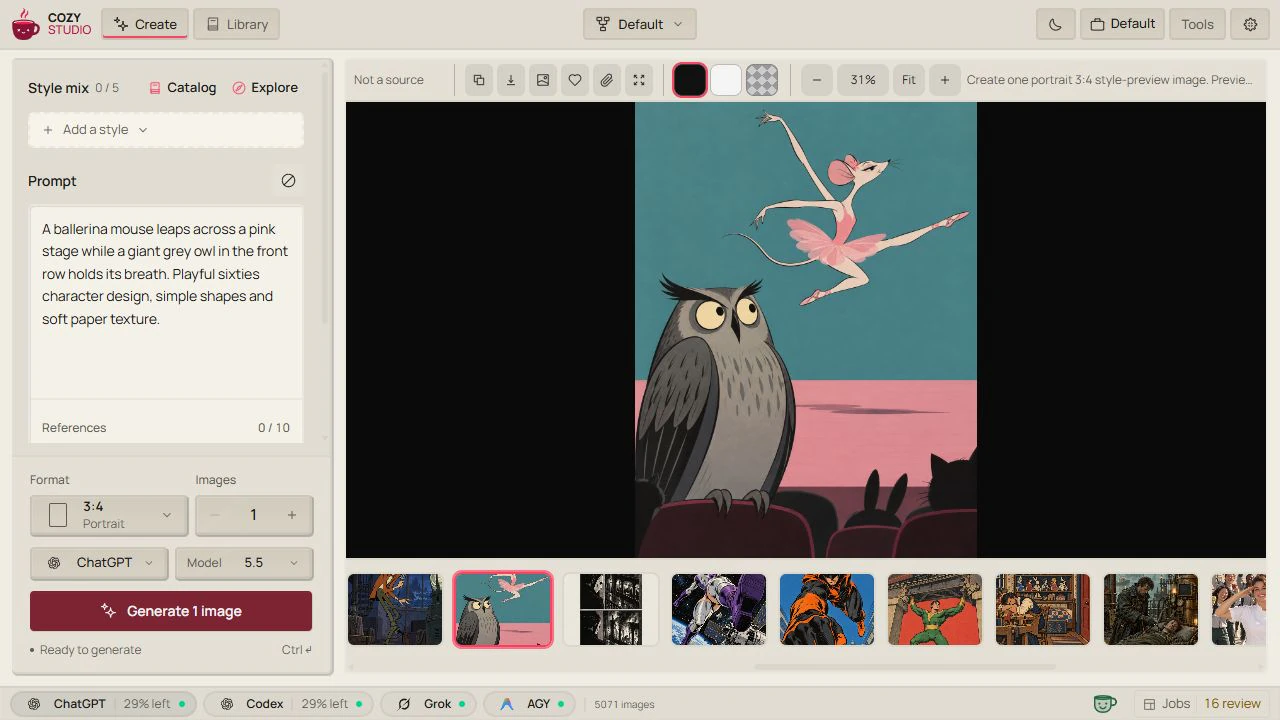
Cozy
Studio
Your ideas, freshly brewed.
A local image studio for the ChatGPT, Grok or Antigravity account you already have.
b-movie poster
 pop theater poster
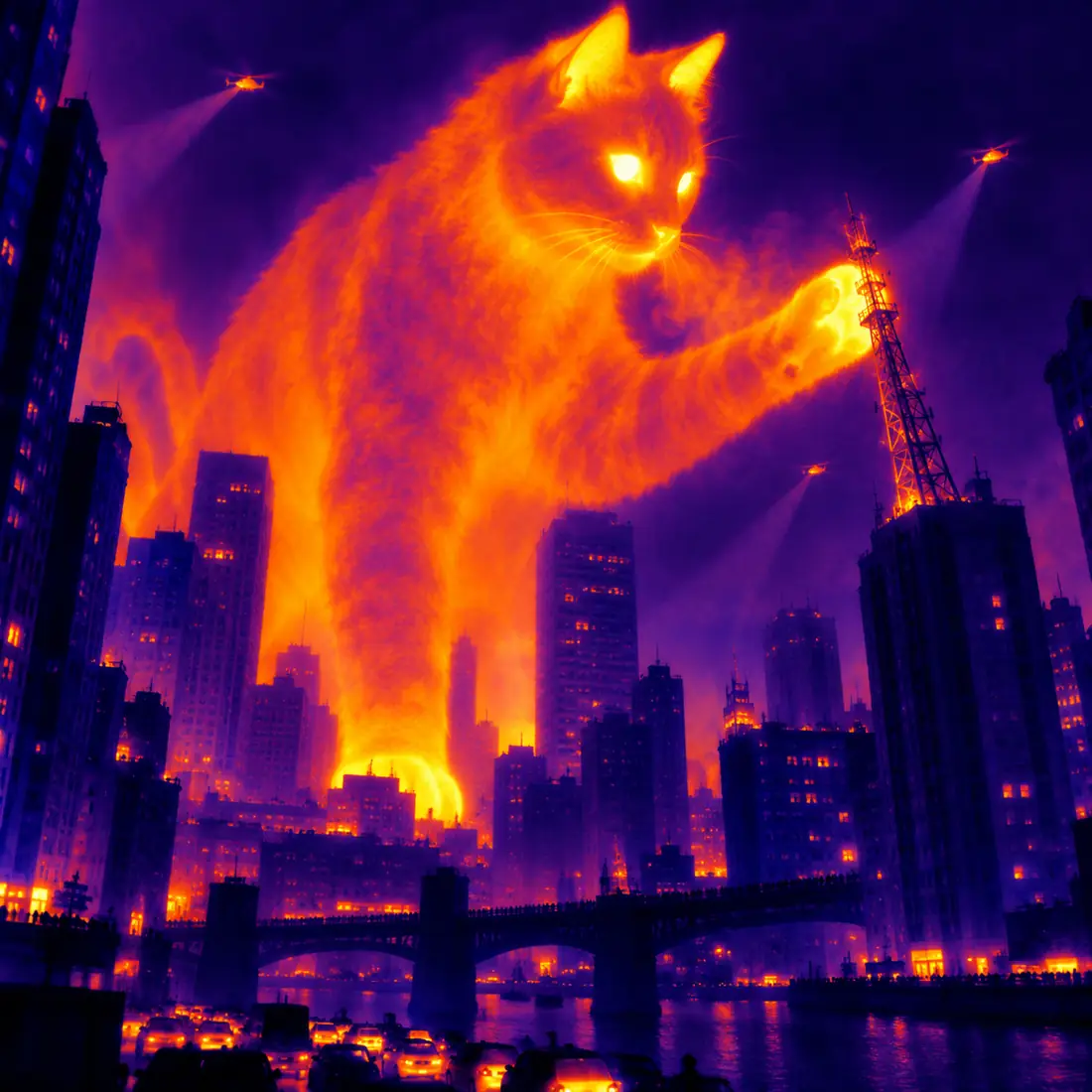 thermal camera
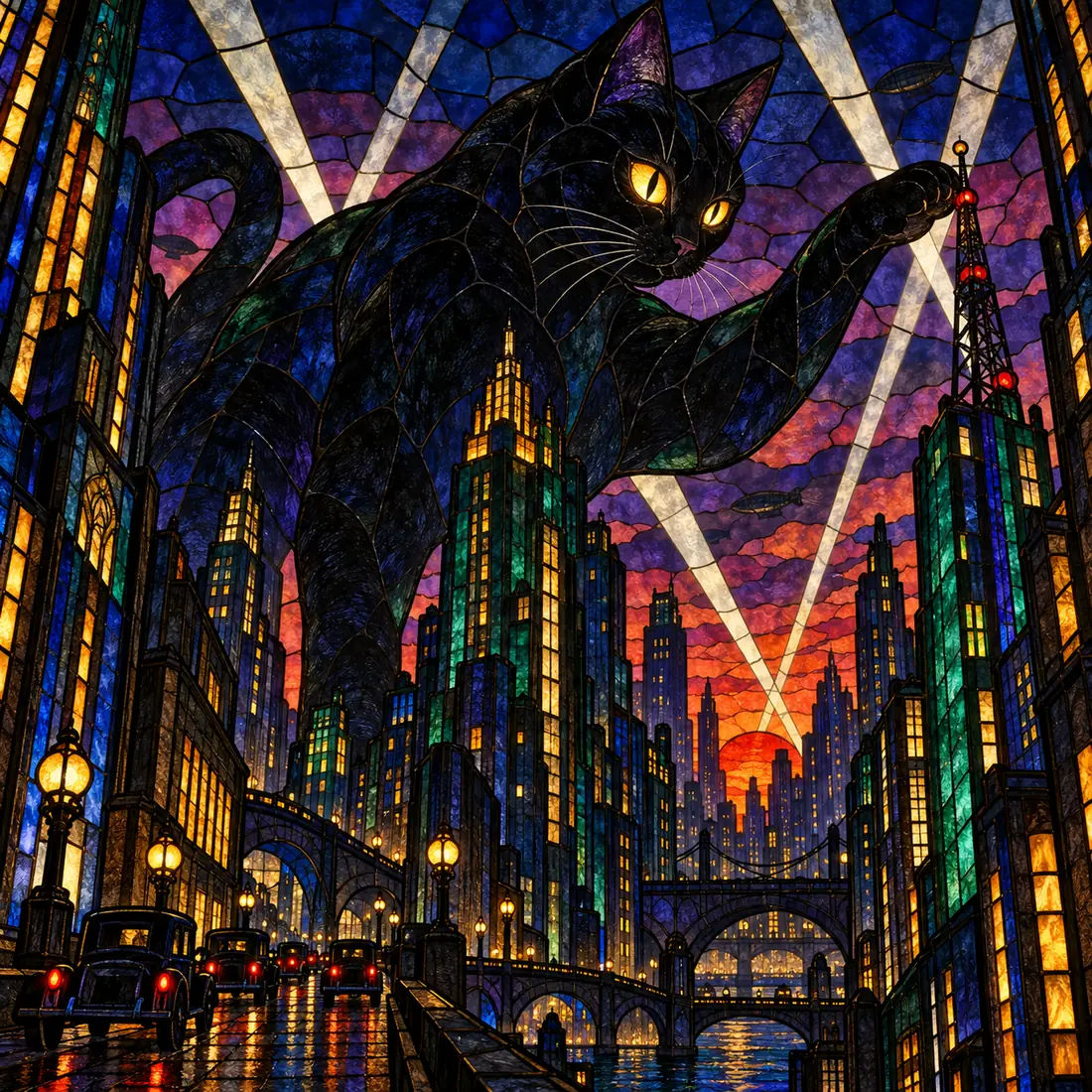 stained glass
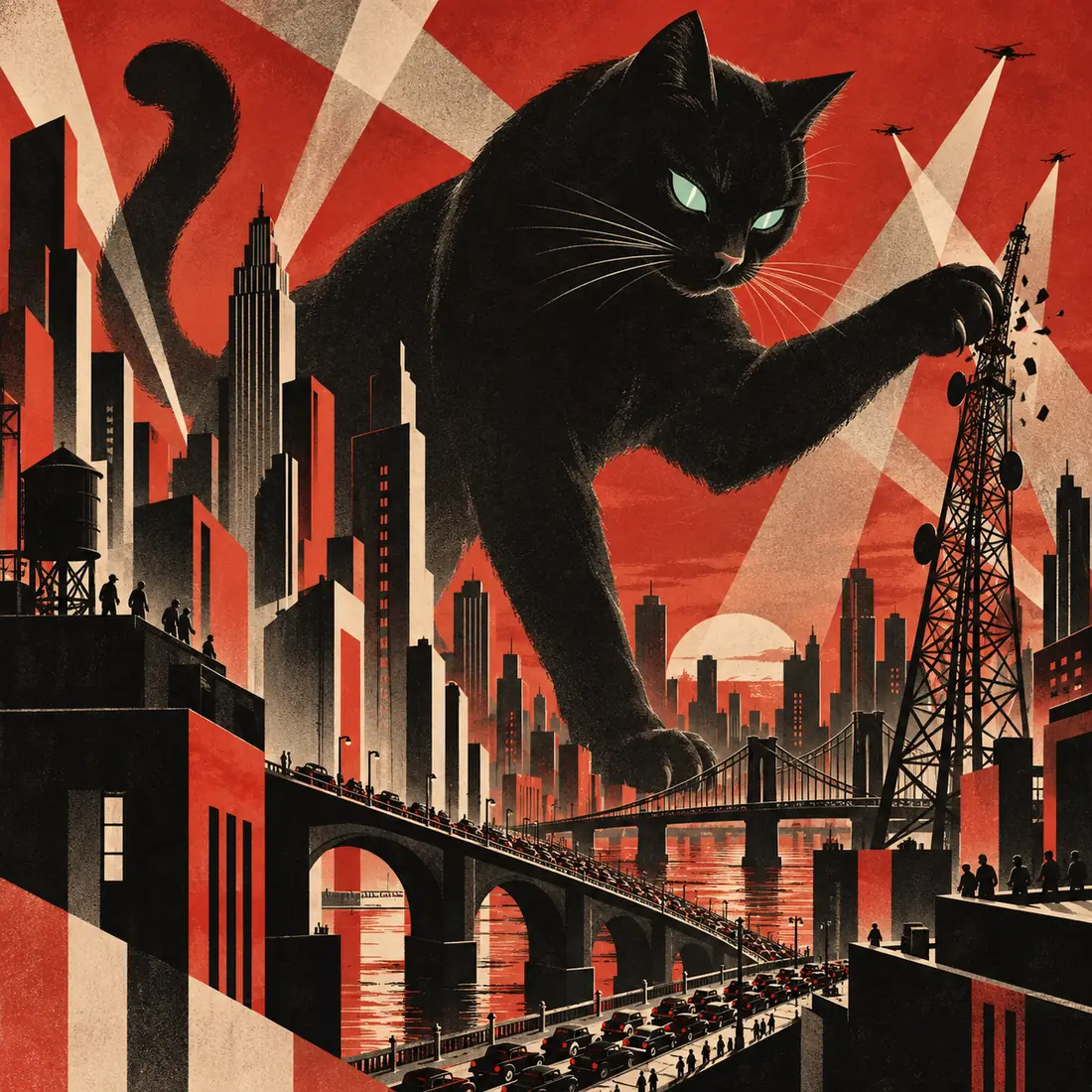 constructivist poster
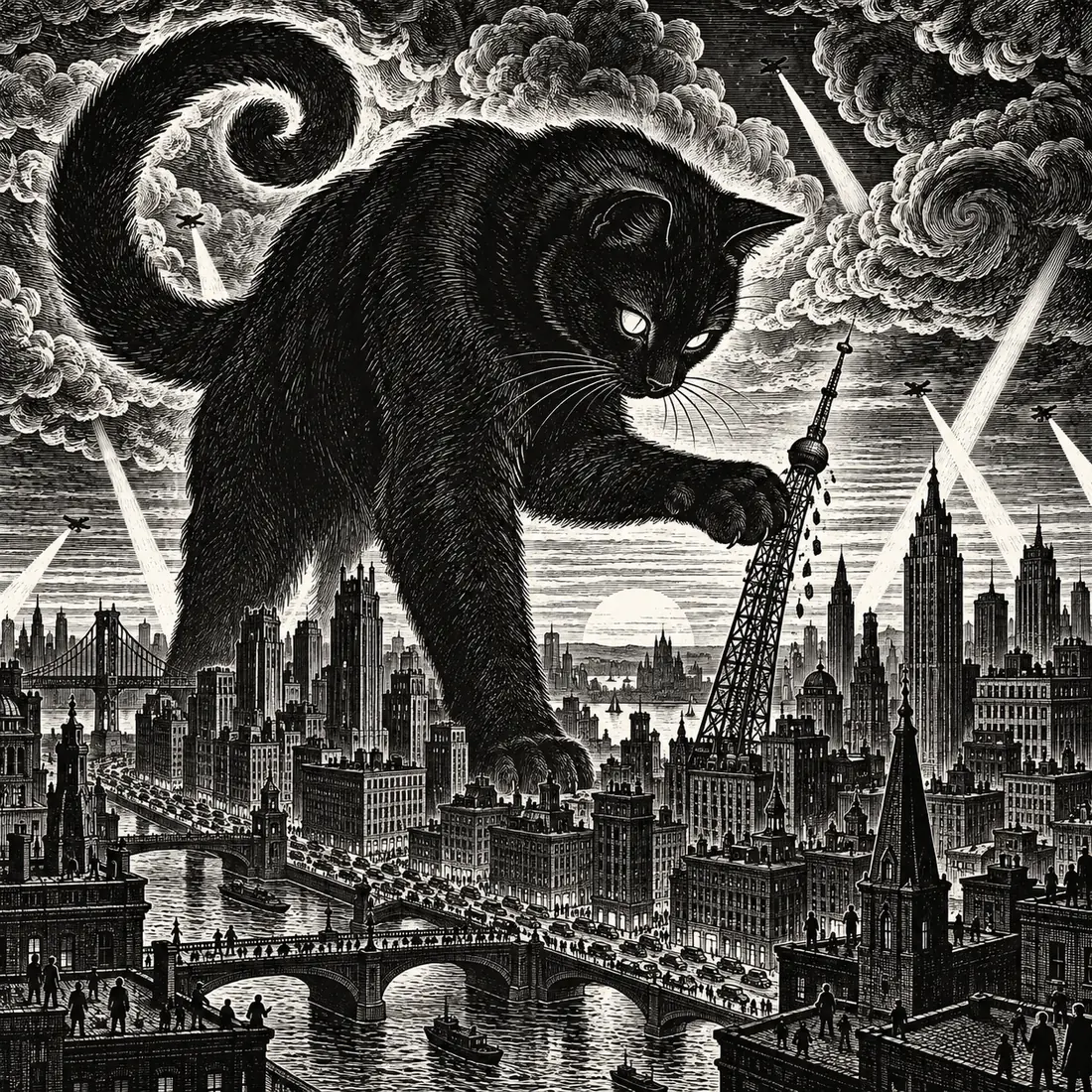 woodcut
How it works
From idea to picture in three steps.
-
01
Describe it
Plain words, and a reference picture if you like.
-
02
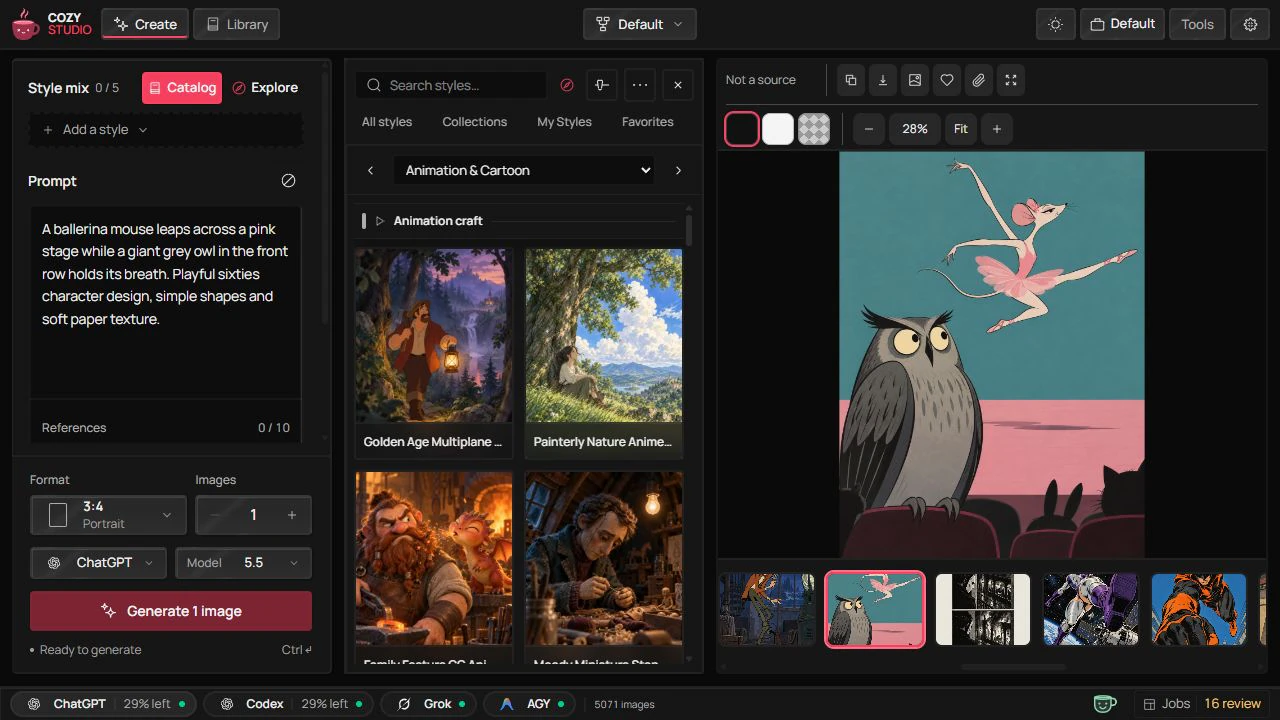
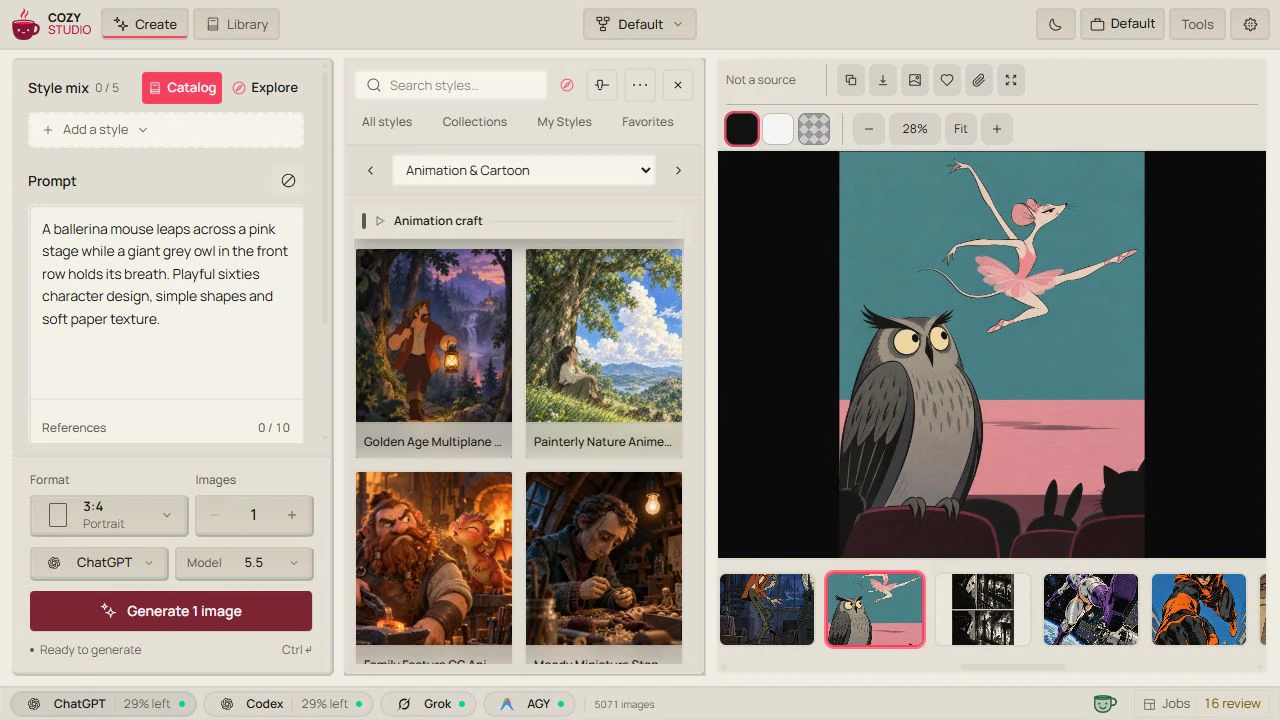
Pick a style (or skip this step)
Film, paint, anime, print, pixel art.
-
03
Generate and keep it
Every picture lands in your library and in the folder you choose.
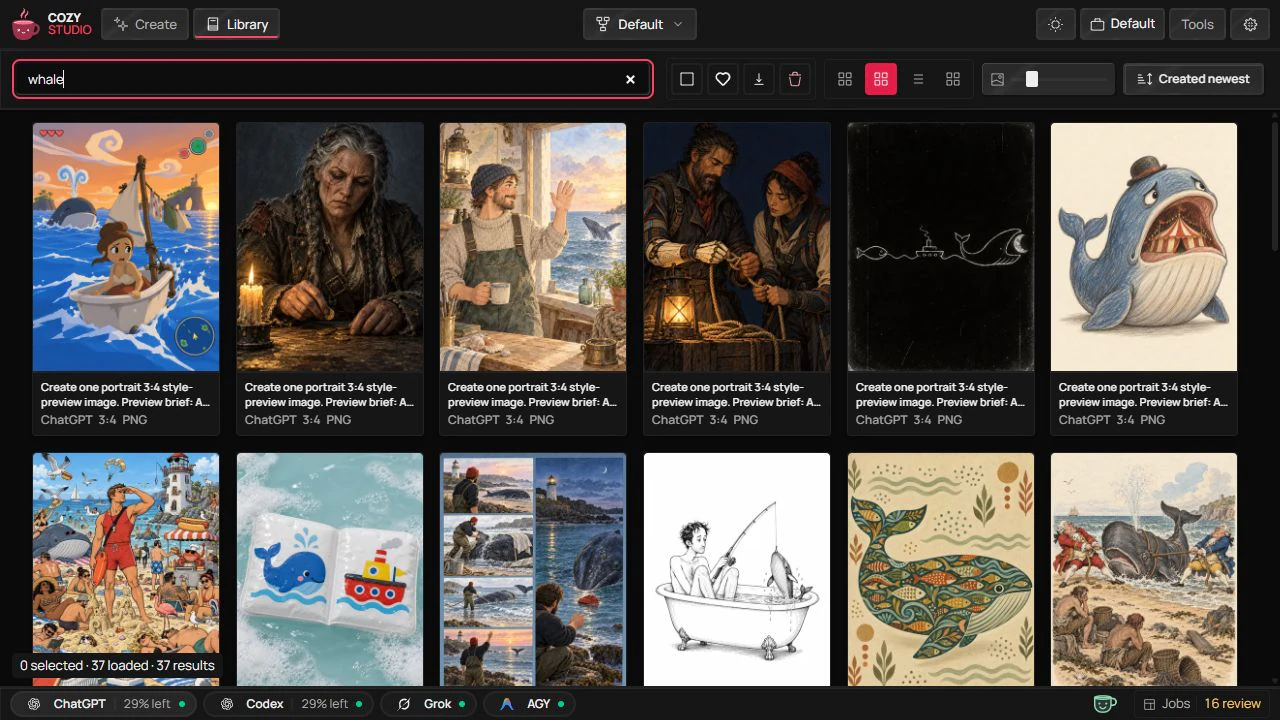
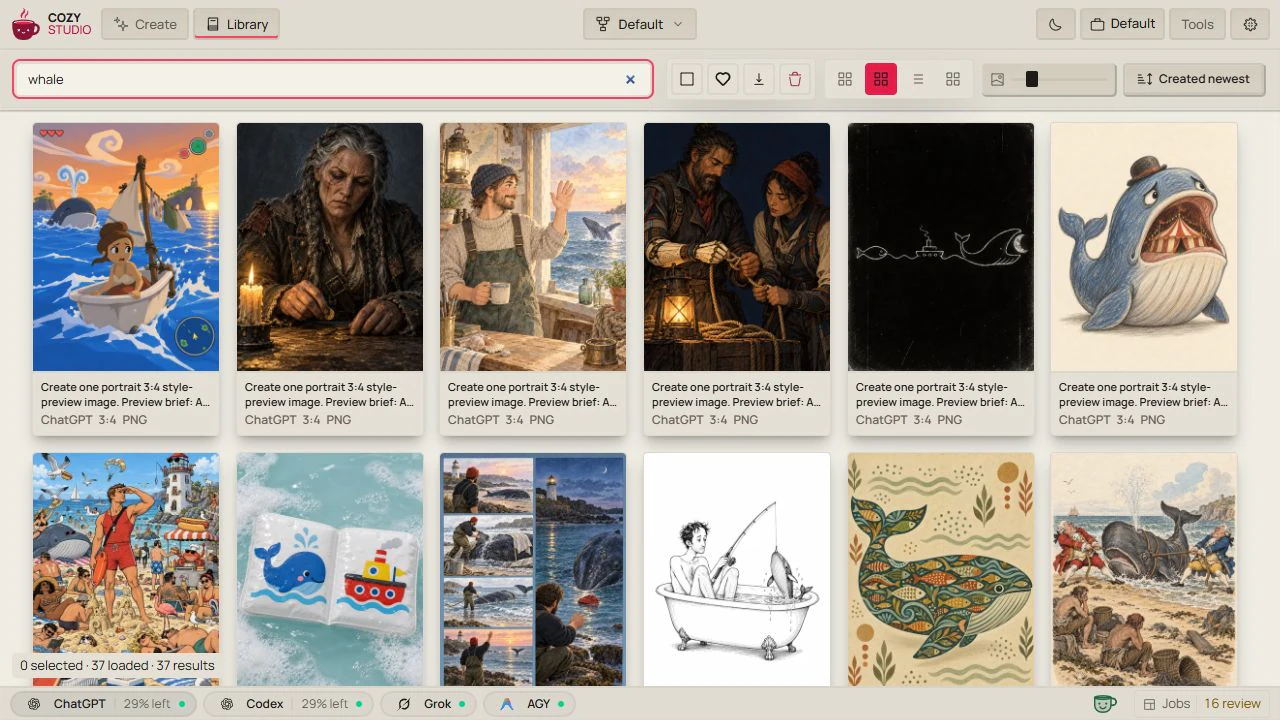
Styles
A hundred styles, ready to go.
A starter collection of about a hundred styles comes installed. Use one, or mix up to five.
-
 Studio Headshot
-
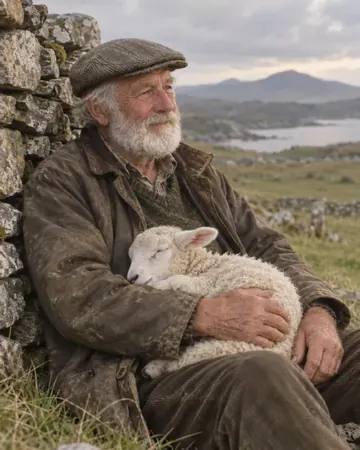 Kodak Portra 400
-
 Film Noir
-
 80s Sci-Fi
-
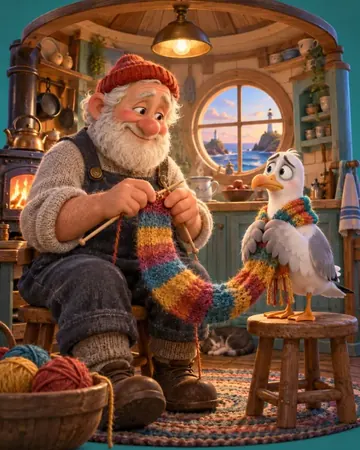 Feature Animation Path Tracer
-
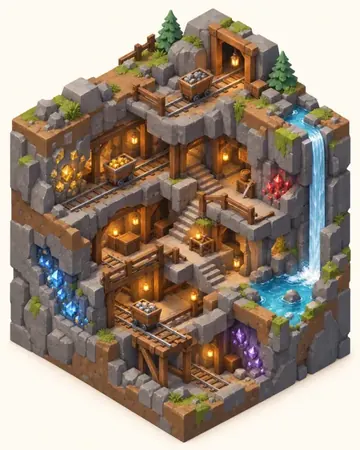 Isometric 3D
-
 Watercolor Storybook
-
 Art Deco Poster
-
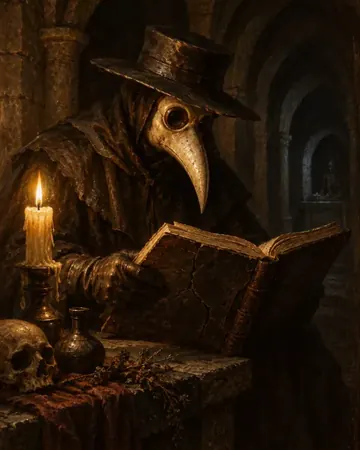 Oil Painting (Classic)
-
 Impressionist Oil
-
 Digital Painting
-
 Vector Art (Flat)
-
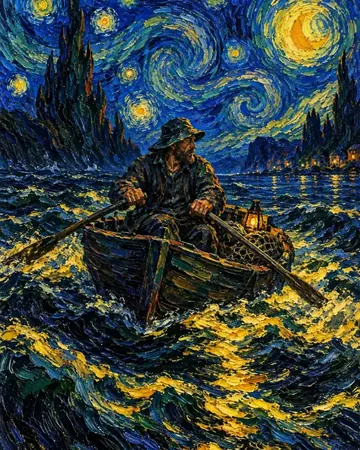 Vincent van Gogh
-
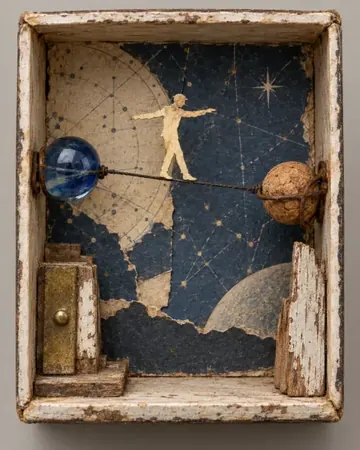 Joseph Cornell
-
 Stained Glass
-
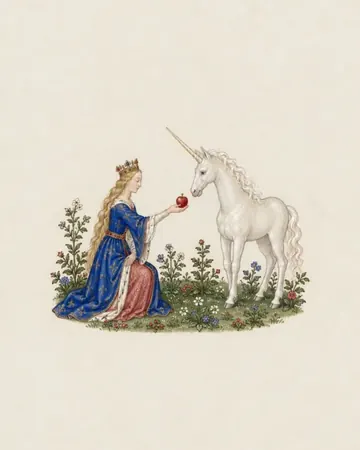 Gothic Jewel
-
 Barbarian Oil Cover Painting
-
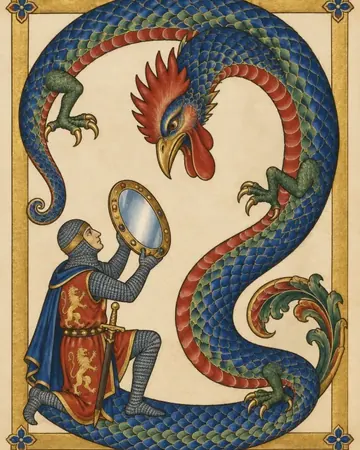 Illuminated Monster Codex
-
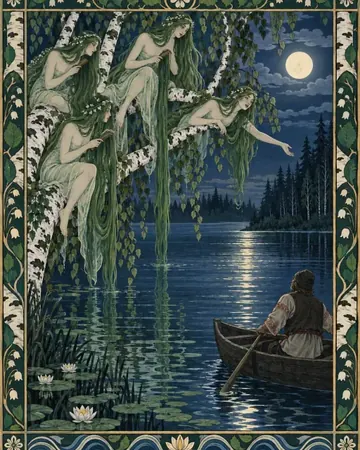 Rusalka Moonlit Lake Illustration
-
 Vagabond
-
 Makoto Shinkai 5cm
-
 Satoshi Kon
-
 Akira
Akira
-
 Saul Bass
-
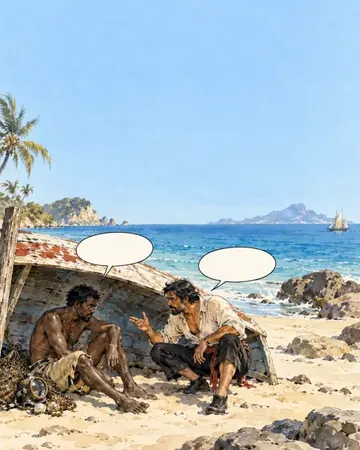 Hugo Pratt
-
 Ori and the Blind Forest 2015
-
 Steampunk
-
 Satpunk
-
 Art Deco
-
 Static-Grass Scenic Layout
-
 Ethereal Fantasy
-
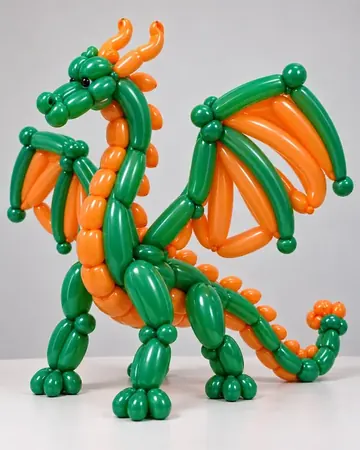 Balloon Art
-
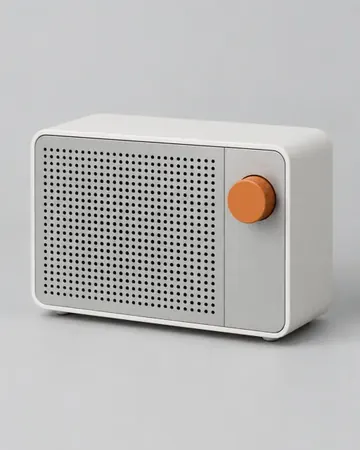 Dieter Rams
-
 Leonetto Cappiello
-
 Blind Box Art Toy
-
 Fire & Magma
-
 Flung-Ink Splash
-
 Stencil Duotone
-
 Opaque Planes
-
 Fire-Lookout Tower Vigil
Providers
Sign in with what you already use.
Cozy Studio makes images through your own account and its allowance, so your provider’s limits still apply. Google works too, with an API key.
ChatGPT
Sign in from Settings. Uses your plan’s allowance.
recommendedCodex
Needs the Codex app. Uses your Codex allowance.
Grok
Sign in with xAI or your Grok Build login.

Antigravity
Nano Banana, through your Antigravity login.
Install
Install Cozy Studio.
Free and open source. Needs Git and Bun.
terminal
git clone https://github.com/gvastethecreator/cozy-studio
Downloads the code
Cloning into 'cozy-studio'… done.
cd cozy-studio
Opens the folder
bun install
Installs dependencies
✓ dependencies installed
bun run studio:onboard --setup
Checks what is missing
✓ ready to set up
bun run studio:init
Creates your library
✓ library created
bun run dev
Starts the app
➜ Cozy Studio is running at localhost:17222
open localhost:17222 and sign in from Settings
Agent-ready
Already using a coding agent?
Paste this. It installs Cozy Studio and makes your first picture.
Set up Cozy Studio from github.com/gvastethecreator/cozy-studio, then make me a giant black cat over a city as a stained glass window.
Works withCodexClaude CodeCursor
-
you
Set up Cozy Studio from github.com/gvastethecreator/cozy-studio, then make me a giant black cat over a city as a stained glass window.
- Reads AGENTS.md and the setup skill setup plan: 4 commands The repo tells the agent how to set it up
-
bun install✓ dependencies installed Installs what the app needs -
bun run studio:onboard --setup✓ ready to set up Checks your setup and asks before changing anything -
bun run studio:init✓ library created Creates your library and settings -
bun run dev➜ running at localhost:17222 Starts Cozy Studio - Sign in to ChatGPT in Settings you ✓ signed in The one step that stays with you
- Makes the picture with ChatGPT ✓ 1 picture · stained glass Uses the style and the prompt you gave it
- SavedPictures/Cozy Studio/2026-09-29_harry-clarke_giant-black-cat-taller-than-skyscrapers.png
Before you start
Good to know.
What is free?
Cozy Studio is free and open source under the MIT license. Making images goes through your provider account, so its plan, limits and terms still apply.
What stays on my computer?
The app, your library, your settings and every picture you keep. When you generate, the prompt and any reference pictures go to the provider you picked.
Which account do I need?
A ChatGPT account is the easiest start. Codex, Grok and Antigravity sign-ins work too, and Google works with an API key.
Does it run on my computer?
Windows and macOS, with Git, Bun and a browser. Linux is best effort.
Where do I get help?
The troubleshooting guide in the repository covers the usual problems. For anything else, open an issue on GitHub.
Go create something.
Free and open source. It runs on your computer.