01
Playlist, not one-off input
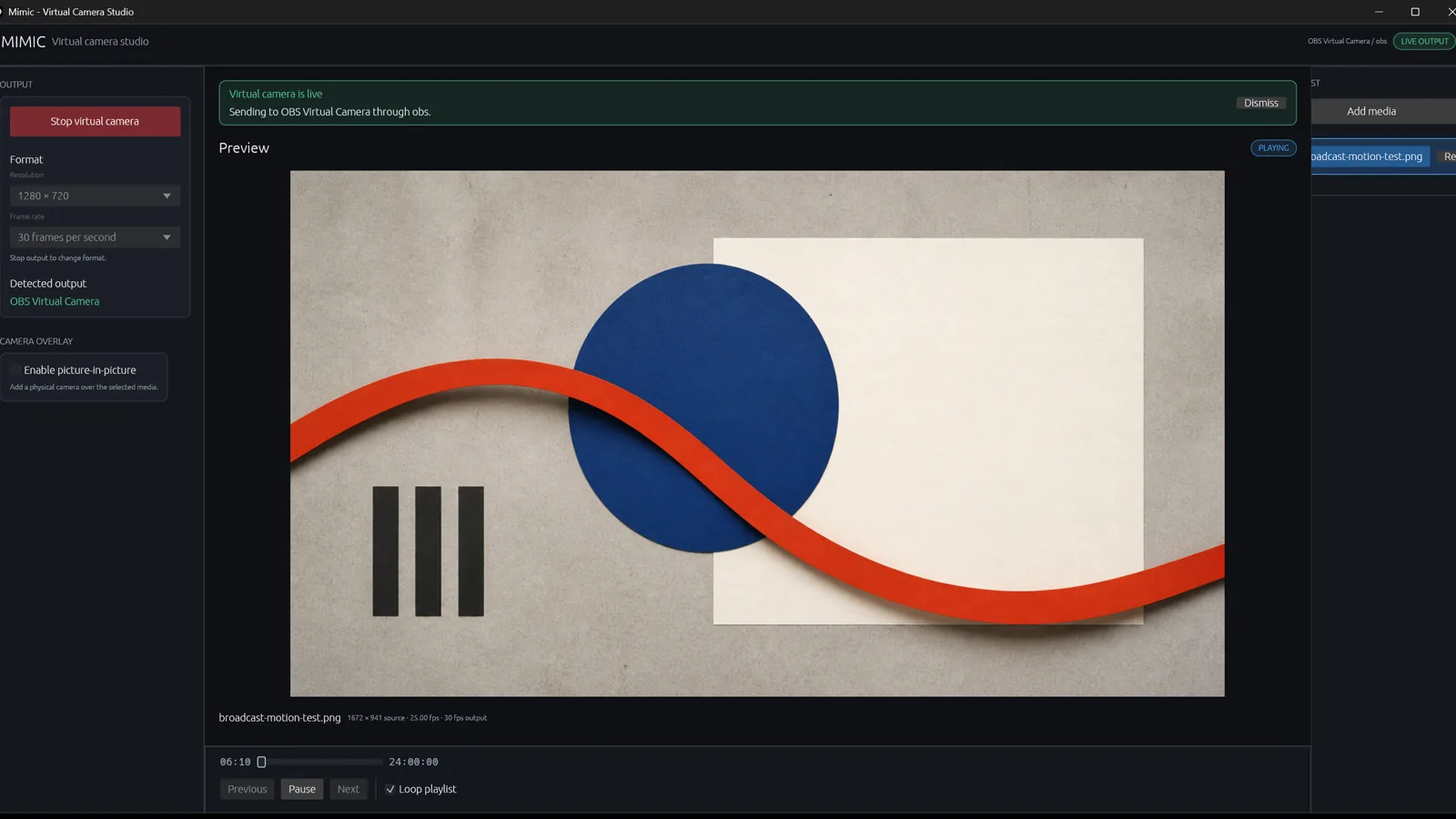
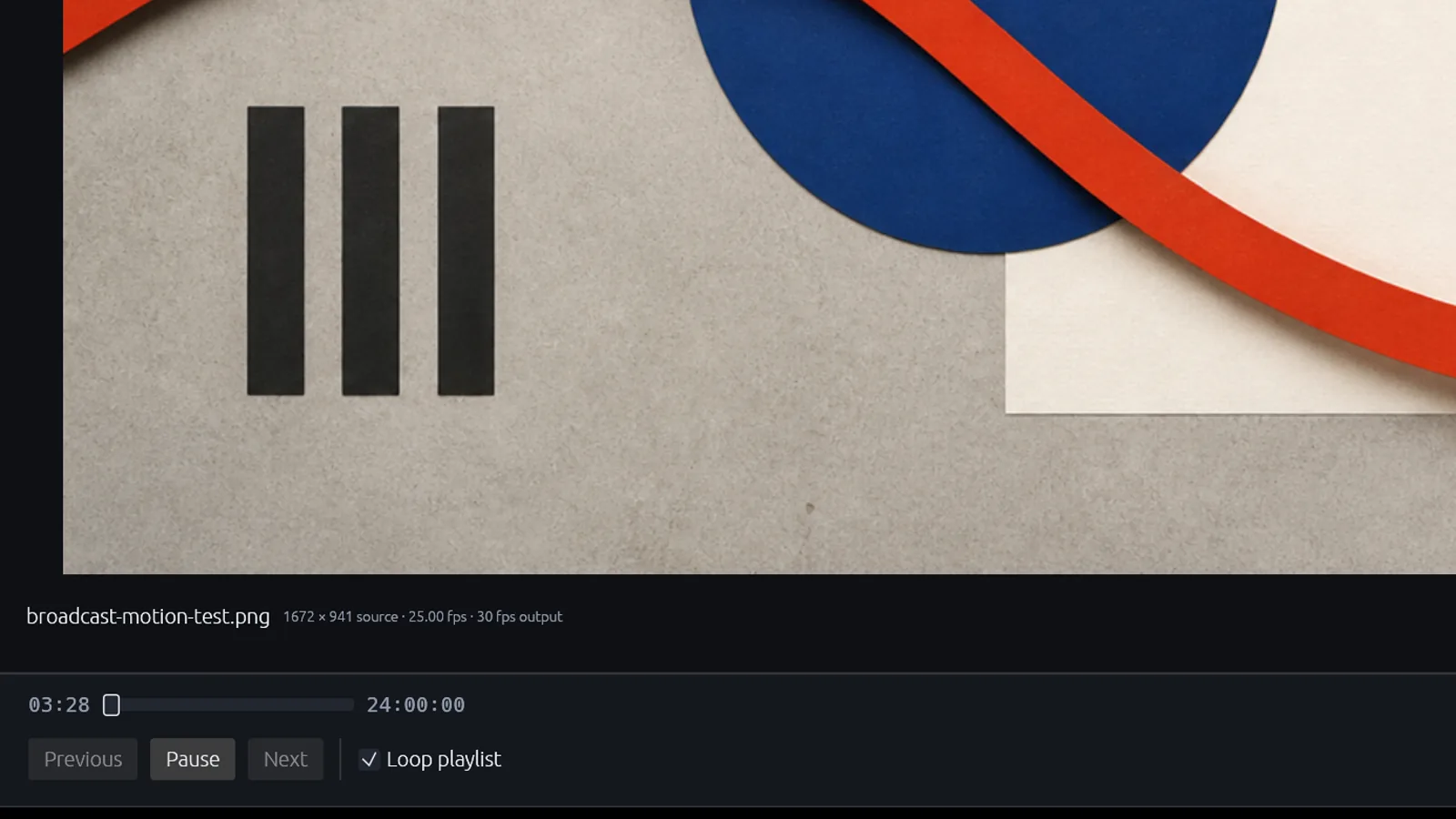
Queue video, GIF, and still-image sources. Select, seek, loop, pause, and advance without rebuilding a scene.
Windows / Rust / local-first
Build a media playlist, preview every frame, and send the result to OBS Virtual Camera or Unity Video Capture—without uploading your media.
Real runtime evidence
01
Queue video, GIF, and still-image sources. Select, seek, loop, pause, and advance without rebuilding a scene.
02
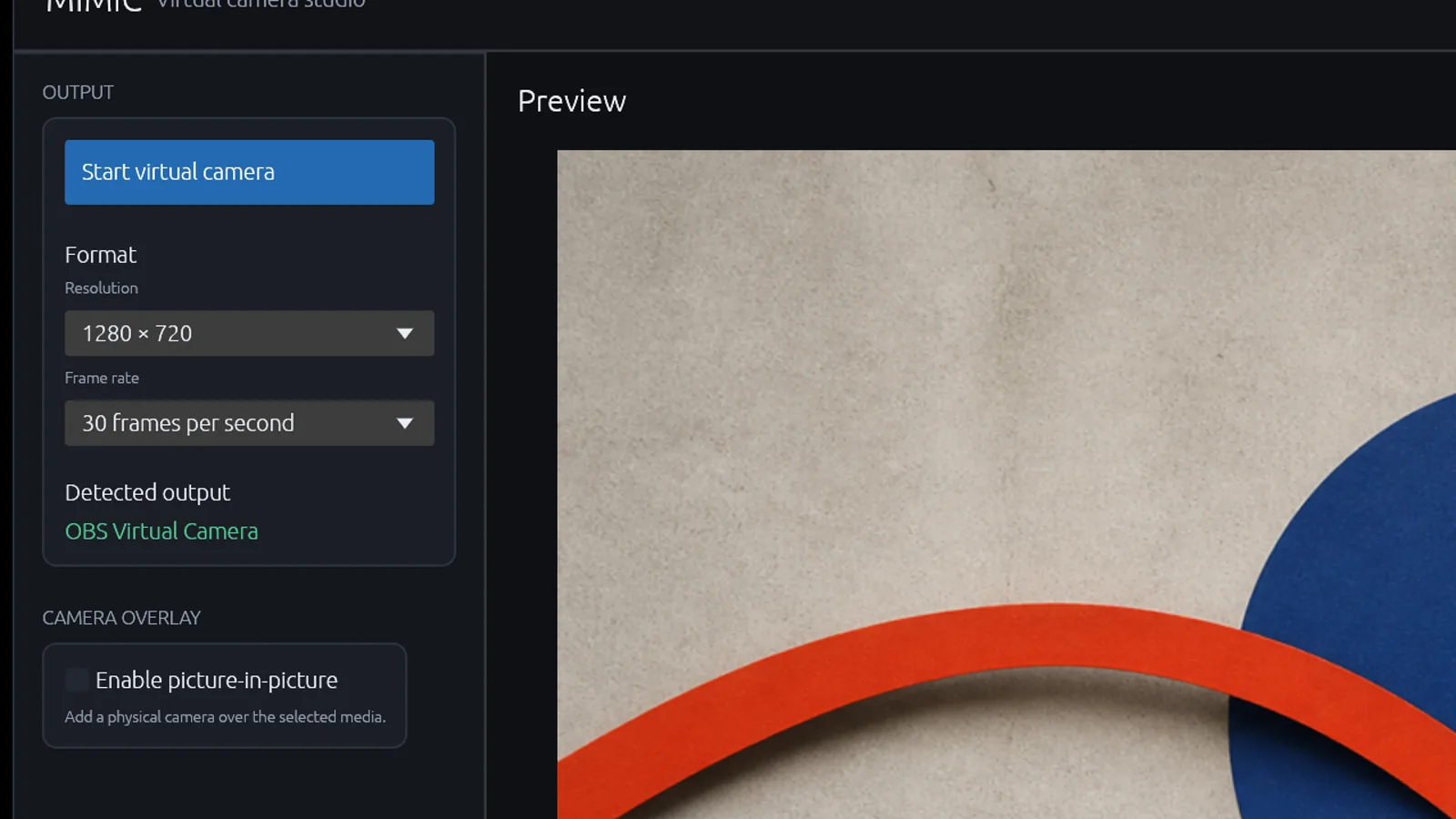
Choose resolution and frame rate before going live. Output controls lock while the virtual camera is active.
03
A physical webcam is opened only after explicit device selection. Picture-in-picture stays off by default.
Three moves
Drop files or use the native picker. Mimic filters duplicates and reports missing sources.
Choose 720p, 1080p, or 480p at 30 or 60 frames per second.
Select the matching OBS or Unity virtual camera inside the receiving application.
Inside the studio
Release boundary
The portable package, diagnostics, audit, and local output proof pass. Public binaries remain blocked on Authenticode signing, clean-machine testing, and an explicit decision for the AGPL-3.0 `virtualcam` dependency.
Read the Windows release runbook →